QR Code Expert
A polished QR workflow for iPhone: live scanning, photo-based recognition, code generation, and a searchable library that keeps scans and created codes organized.
The supplied screenshots show the core flow clearly: scan a code in context, inspect the result, generate styled QR codes, and revisit both scan history and saved creations later.
Key features
Complete toolkitFast scanning
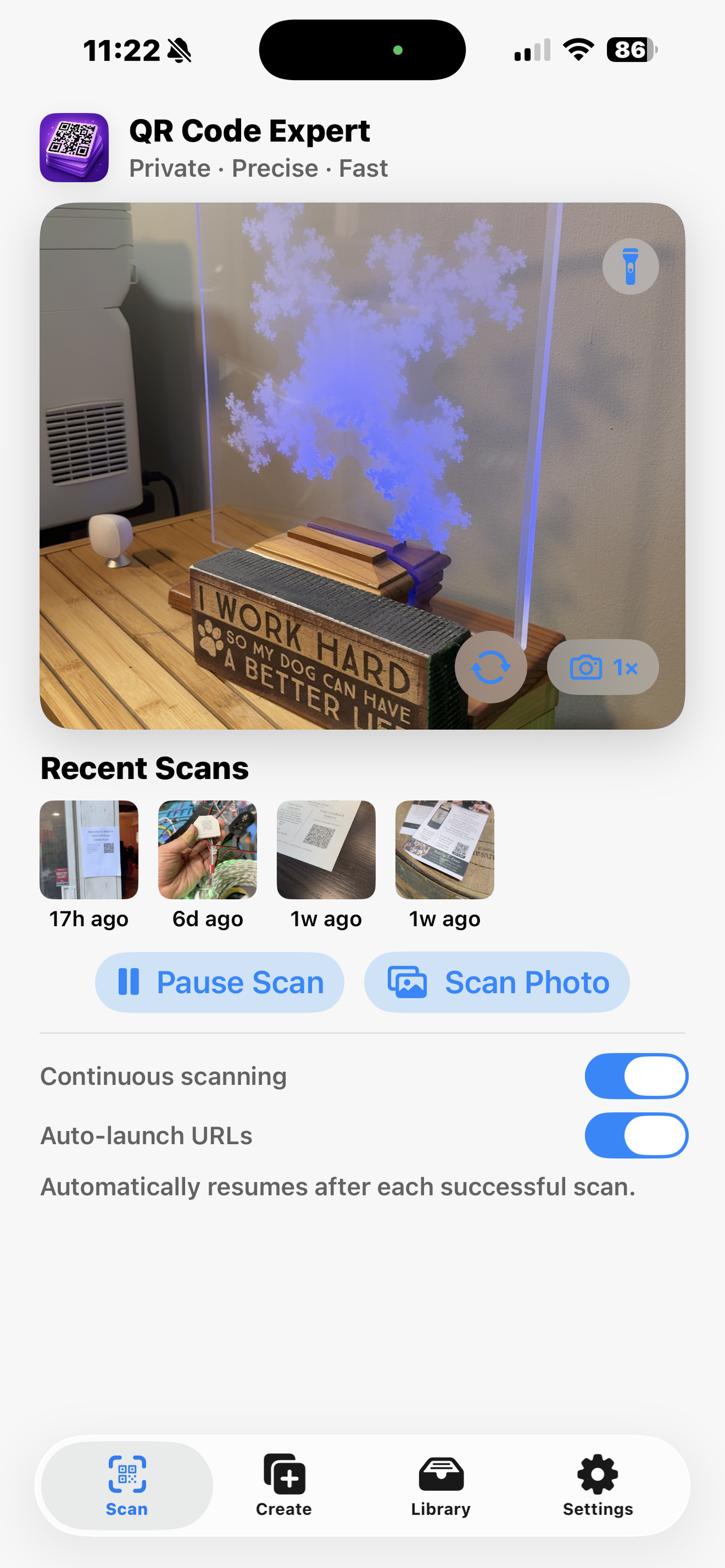
Real-time detection from the camera with continuous scanning controls, torch access, recent scan thumbnails, and direct import from photos when the code is already in your library.
Create custom codes
Generate QR codes for URLs, Wi-Fi, contacts, text, phone, email, SMS, and locations. The editor supports simple or advanced modes plus style controls for modules, framing, and output options.
Organize & track
Keep scan history and created codes separated but searchable, with timestamps, repeated-scan counts, and a clean library view that makes recent activity easy to revisit.
Built for performance
Modern iOSModern architecture
Built with a modern iOS interface that keeps the primary actions close at hand: scan, create, browse the library, and adjust settings without getting lost in nested menus.
Reliable details
- Result pages keep both the decoded content and the context photo visible, which helps verify what was actually scanned.
- Generator presets cover the common QR types quickly, while advanced editing gives more control when presentation matters.
- History and created-code views are split cleanly, reducing clutter when you need to find one specific code later.
Screenshots
In app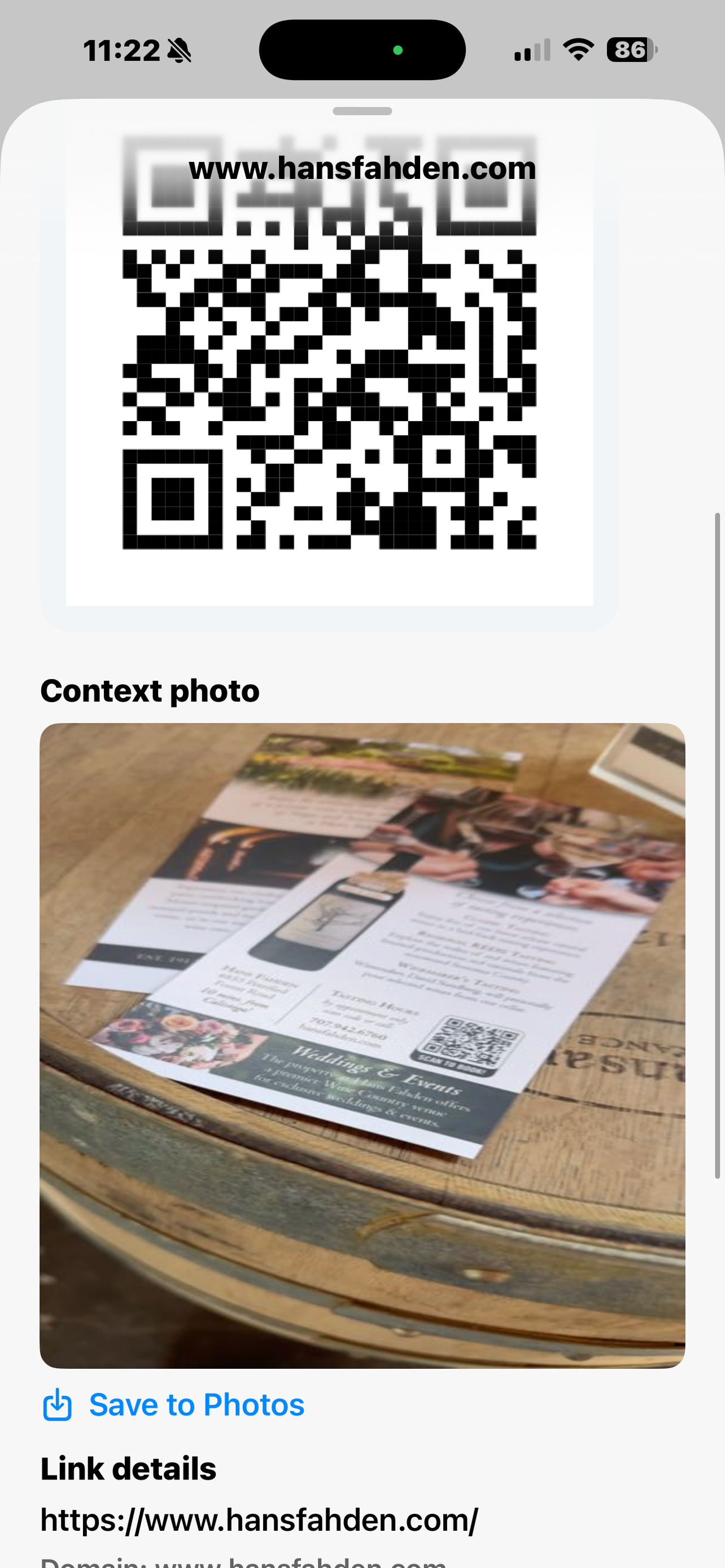
Inspect each scan
Decoded results stay paired with a context photo, making it easier to confirm where a code came from before you save or act on it.
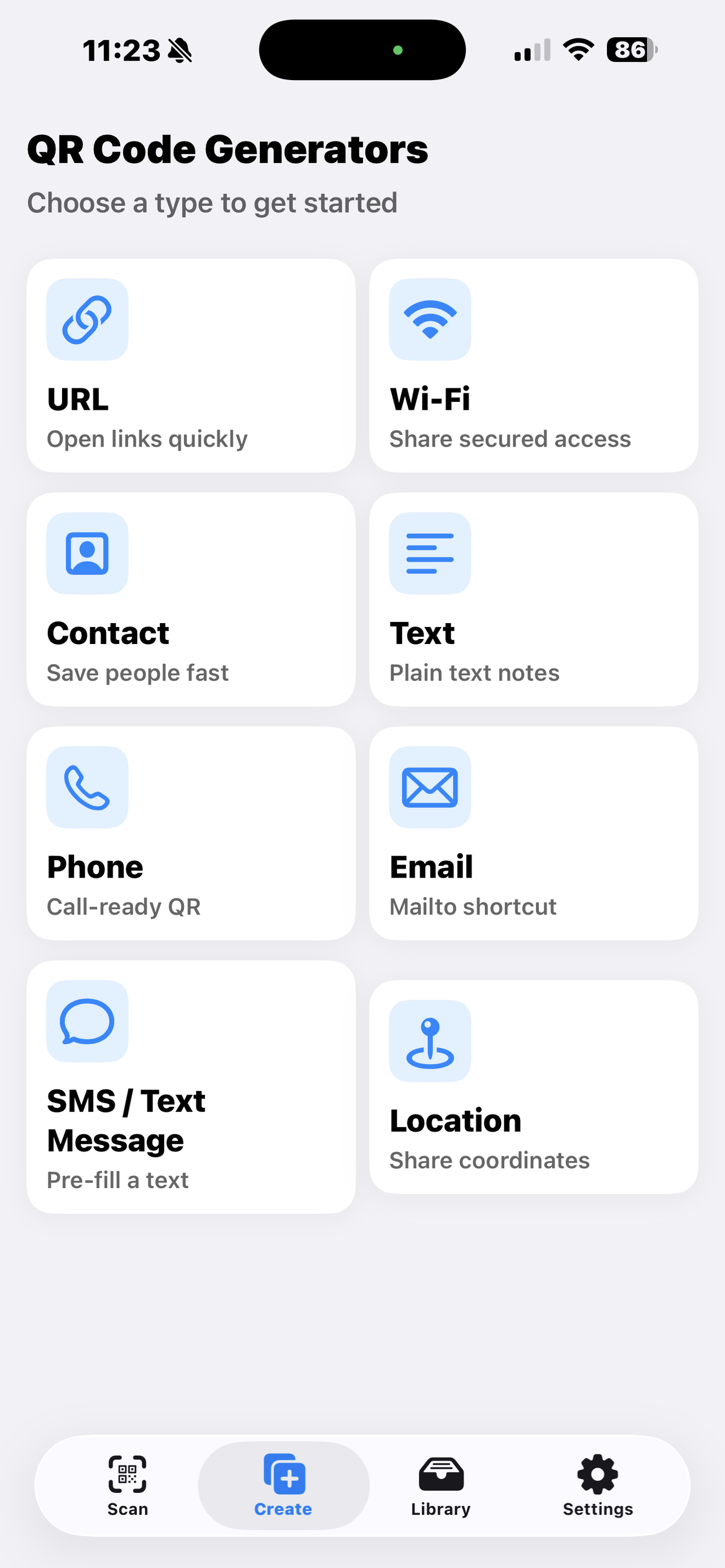
Choose the QR type
The generator starts with clear presets for the common formats, so creating the right code is a one-tap decision instead of a form hunt.
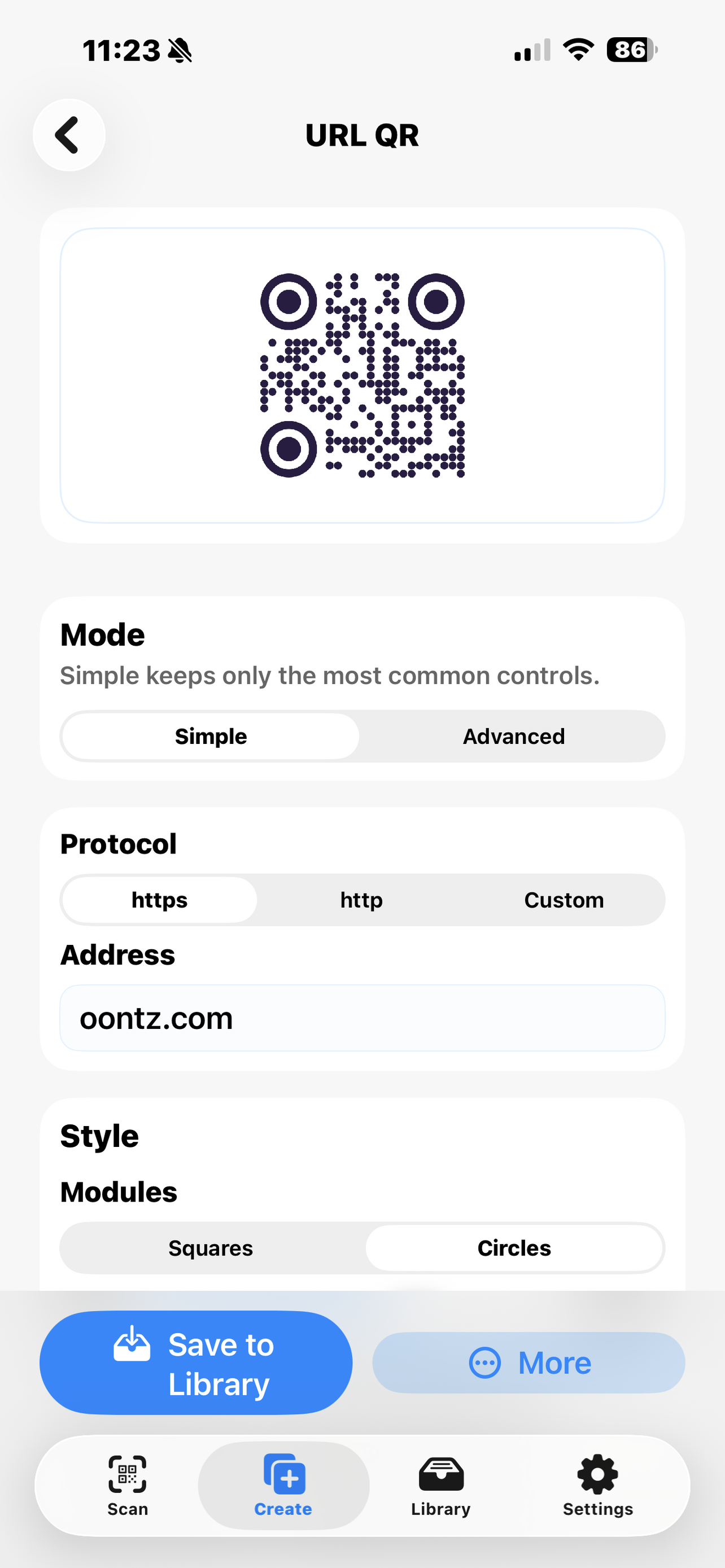
Tune the output
URL creation includes practical controls for protocol, content, and visual styling, with quick export actions once the code looks right.
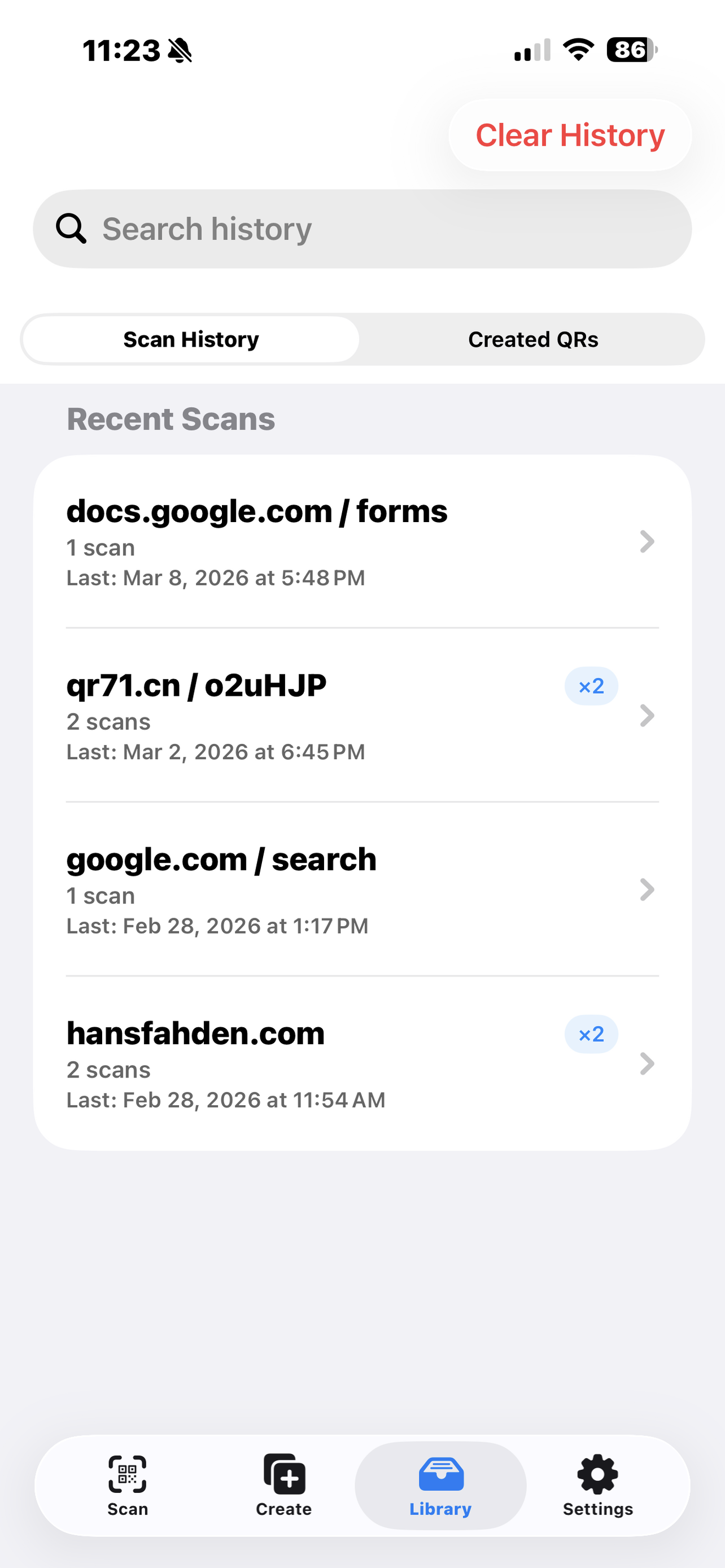
Search scan history
Recent scans are organized into a straightforward list with timestamps and repeat-count badges, which makes follow-up and cleanup much faster.
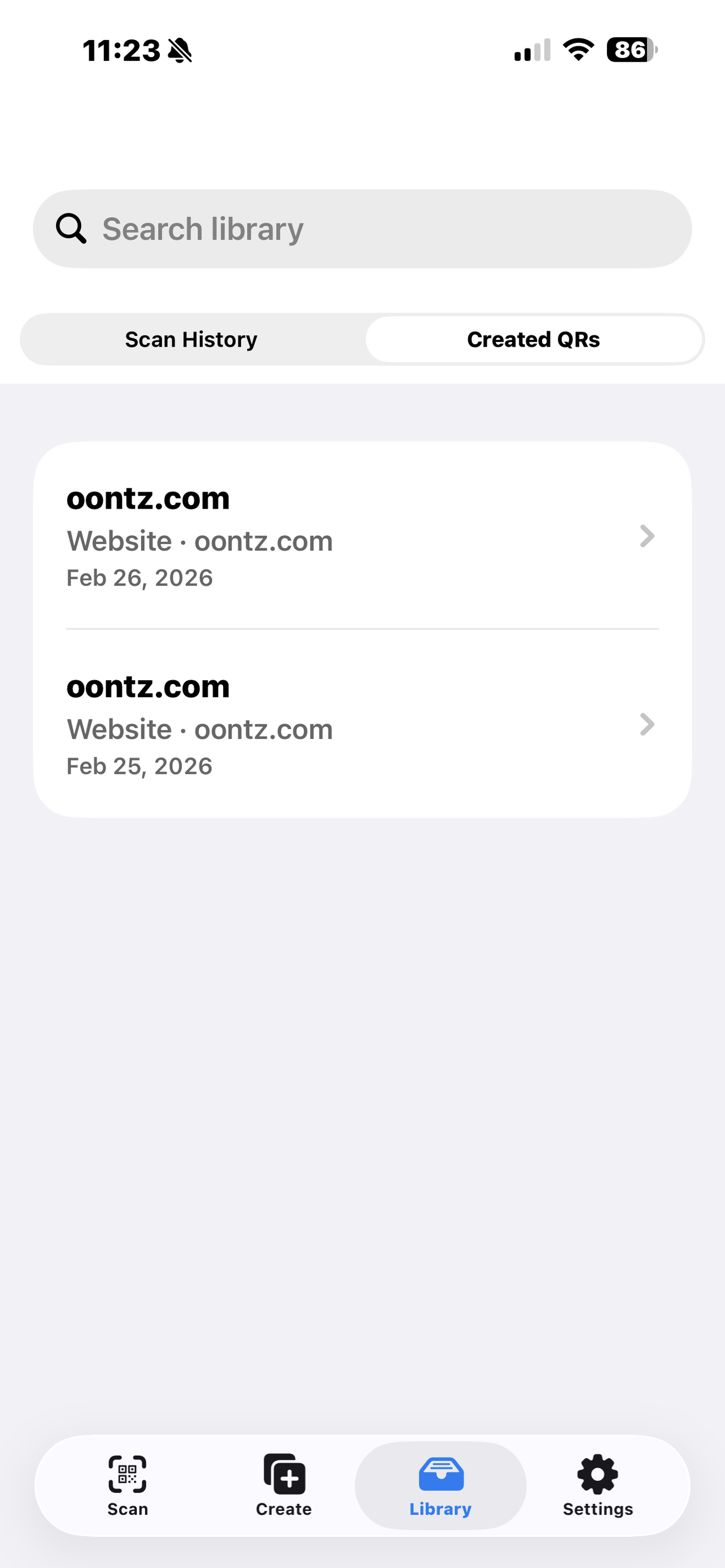
Keep created codes handy
Created QR codes live in their own searchable library, separate from scan history, so generated assets are easy to find and reuse.
Privacy policy
LinkYour data stays private. We don't collect any information about you, your QR codes, or your usage.